The task
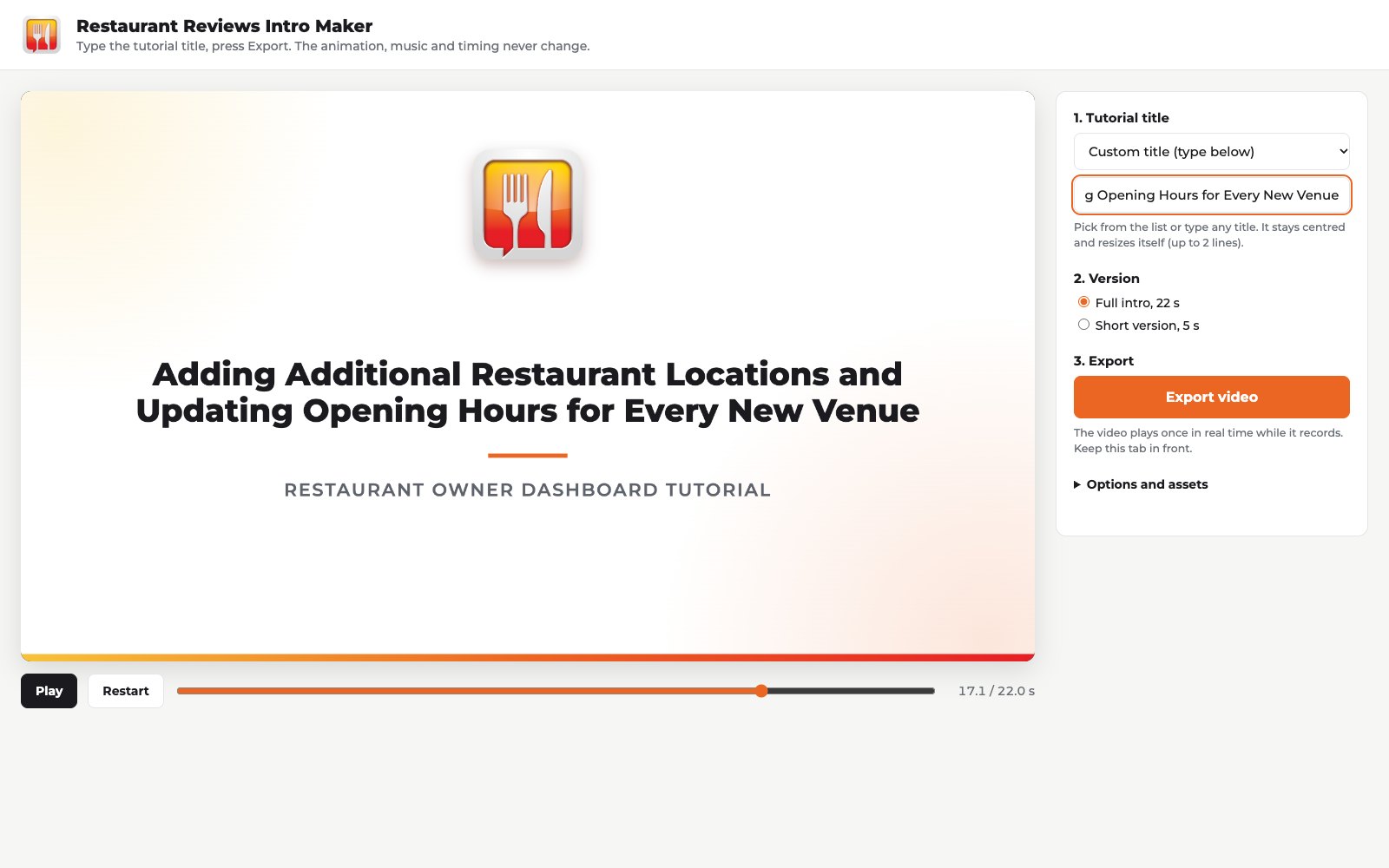
The Restaurant Reviews platform shoots hundreds of tutorial videos about its dashboard for restaurant owners. Each one needs a 20-30 second intro: food, drinks, an animated logo, a large lesson title, short music. The client singled out the main requirement: the title must change without rebuilding the animation or replacing the music, stay centred with 3 words or 10, and a new video must come out in minutes. They also asked us to explain what software would be needed for edits, and not to pull in expensive plugins.
At the time of research the brief had 174 entries, 22 of them rated 5 stars, and only images and GIFs could be uploaded. Nearly all competitors delivered a nice GIF and nothing more. Whether it can really be edited, the client has no way to check.
Why, and what the idea was
The client is not buying a video but a system their staff will edit hundreds of times. So what has to be sold is editability, shown right in the preview rather than promised in the description. Of 131 entries with files, 4 showed the title changing in the preview itself, and none of the 22 leaders. A five-second version: also 4 of 131 and not one leader.
Hence the idea: a small tool in the browser. A staff member types the lesson title, hits Export and gets a ready MP4 of 22 or 5 seconds. No Premiere, Canva or plugins.
Before the start the plan was examined from five different positions, from skeptic to pragmatist. One option was a Canva template on stock clips, it would have cost zero credits. We did not take it: our video is made only through Higgsfield, and the “own code plus generated clips” scheme had already worked on the Horse Syndicate brief. Another conclusion we acted on: submit as a sealed entry, otherwise the title-change idea would be copied within hours.
How it went
| When | What happened |
|---|---|
| Day 1, 14:30 | Research: 174 entries, 22 at 5 stars, only images and GIFs can be uploaded. The plan examined from five positions |
| Day 1, 15:50 | Competitor review: 131 entries with files, 195 files. All 22 leaders are GIFs, of 50 rejected entries 38 are static images. Not one leader showed the title changing or a 5 s version |
| Day 1 | 5 client files downloaded from the brief, among them the logo PSD. The orange #EC6623 sampled from the logo and passed into the template |
| Day 1, 16:30 | Template engine ready: the real logo, the title in a single field, a 5 s version, MP4 export in Chrome, master render. Food and music still placeholders |
| Day 1, 17:00 | Music in Suno, the track Tasty Treats, first 23 s, loudness levelled to -16 LUFS. Listened to, approved |
| Day 2, 08:50 | 6 food and drink clips in Kling 3.0, 1080p, 5 s each, no sound |
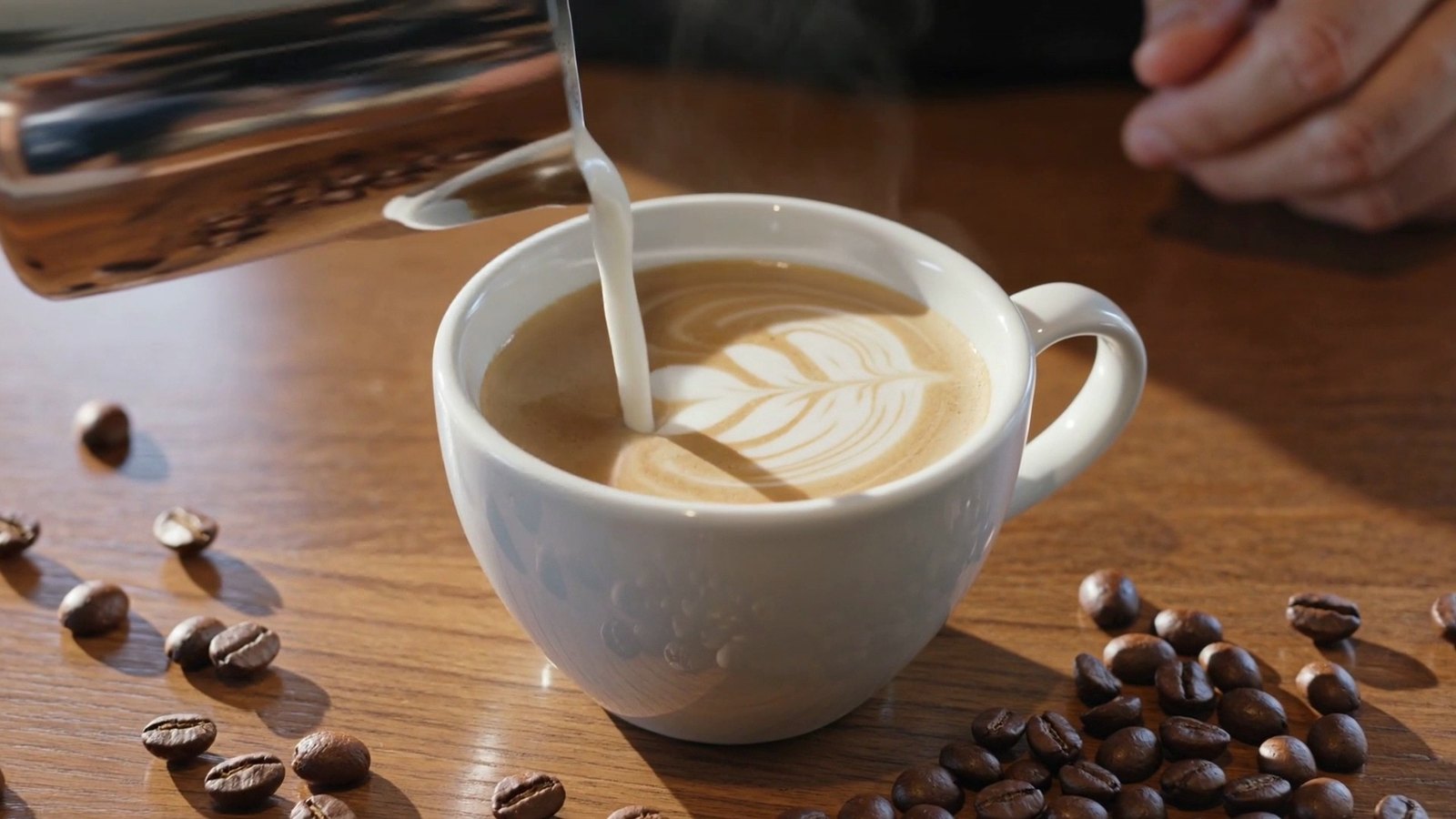
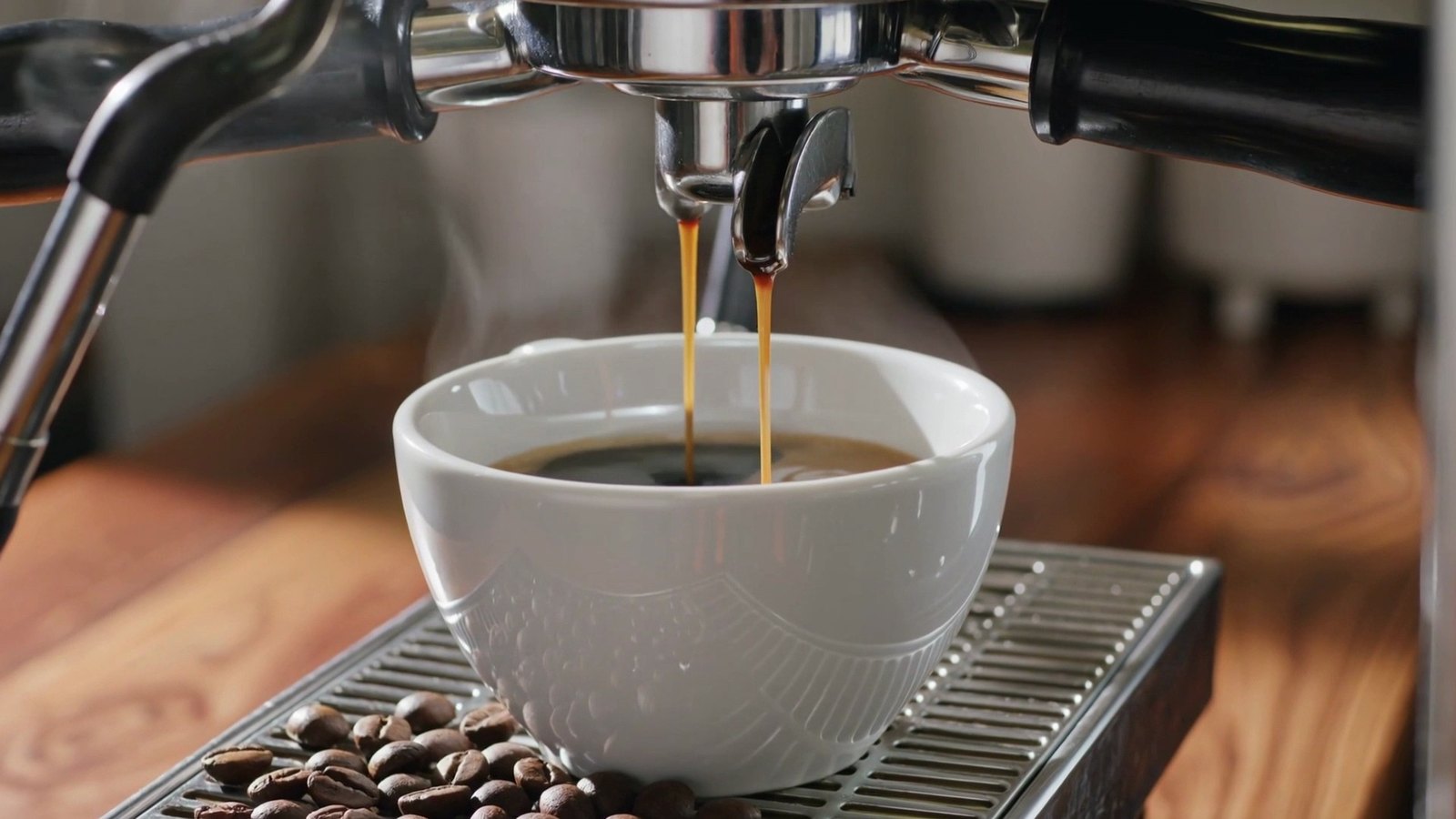
| Day 2 | Frame-by-frame check of the clips. The cappuccino with latte art rejected, a seventh clip, espresso, in its place. Master re-rendered with the real food |
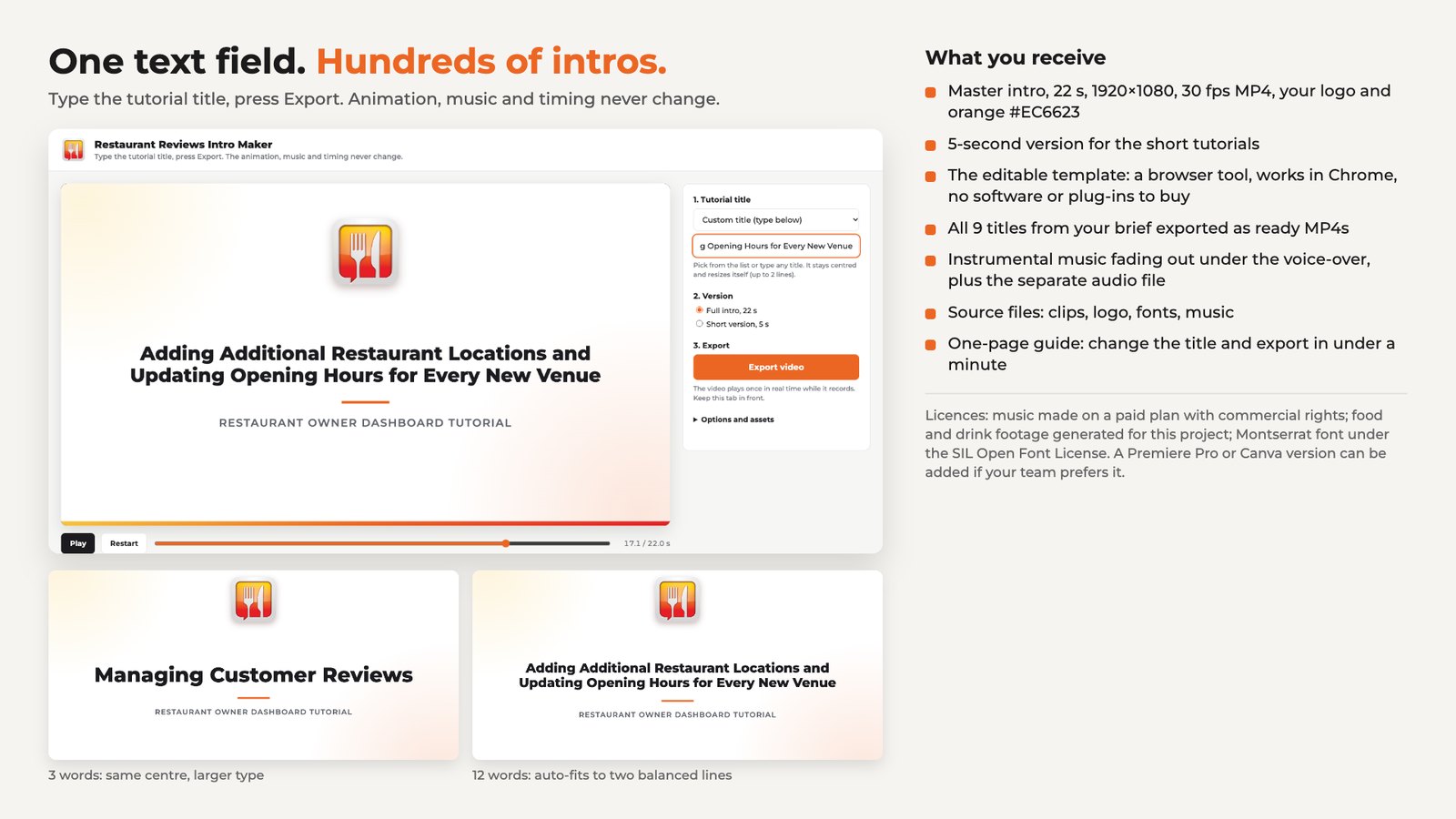
| Day 2, 09:55 | Proposal assembled: a GIF of the intro with three title changes in a row, a GIF of the 5 s version, a “what you get” PNG, a 967-character description out of 1,000 |
| Day 2, 10:10 | Submitted as a sealed entry, entry #205, marked AI generated, Montserrat declared as a third-party element. 178 entries in the brief at that moment |
Tools and method
Template: HTML, CSS and JavaScript, no build step or server, opens in Chrome. The animation is drawn by code, the title fits itself: wraps onto two lines and takes the largest size that leaves margins on the sides. The brand color changes in one line of styles.css, clip captions at the top of app.js. A clip or the music can be replaced simply by overwriting the file with the same name. The template comes with a one-page guide.
Export on the client’s side: real-time recording right in Chrome, the output is an MP4 (H.264 + AAC) at 1920x1080. The file is named after the title, for example RR_intro_adding-your-restaurant-menu_22s.mp4. If the page is opened from disk rather than from hosting, the assets folder has to be pointed to once before the first export, the Export button reminds you.
Master files are made separately: Playwright opens the page in headless Chrome, draws every frame individually, ffmpeg assembles the MP4 at 30 fps and the GIF. That way the frames do not depend on the computer’s speed. A separate script checks the centring and a test export.
Clips: Kling 3.0 through Higgsfield, 7 of them, 1080p, 5 s each. Music: Suno, the track Tasty Treats, first 23 s, -16 LUFS. The Montserrat font, weights 500-800, under the SIL OFL licence, the files sit in the template. The logo is taken from the client’s files as is, no recoloring.
Result
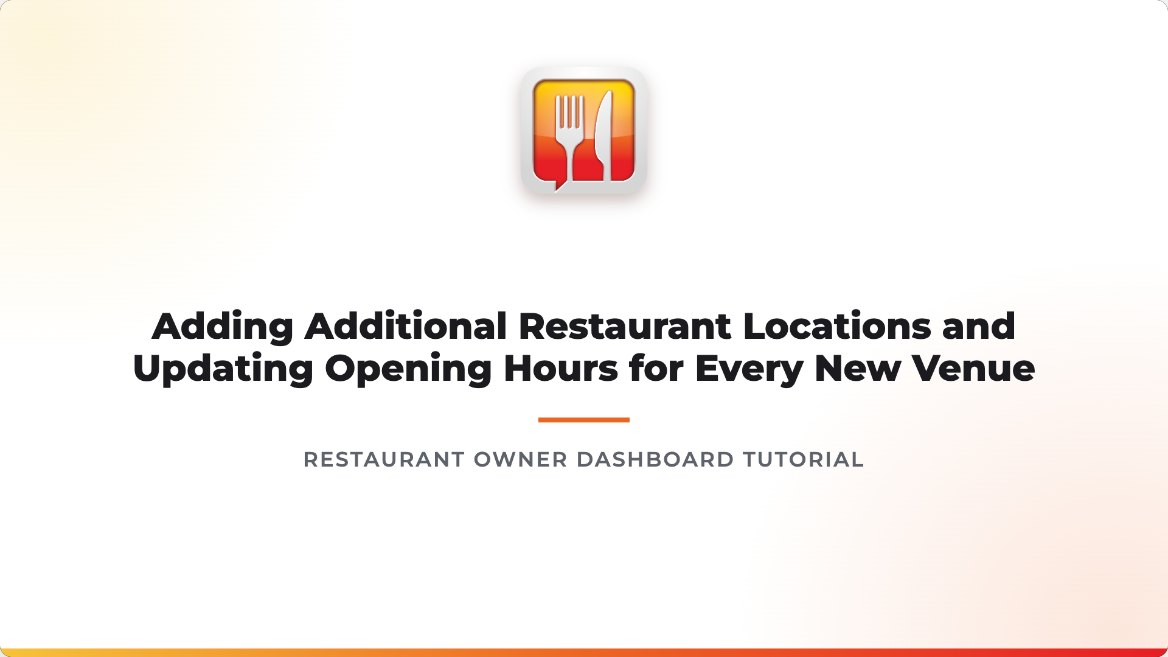
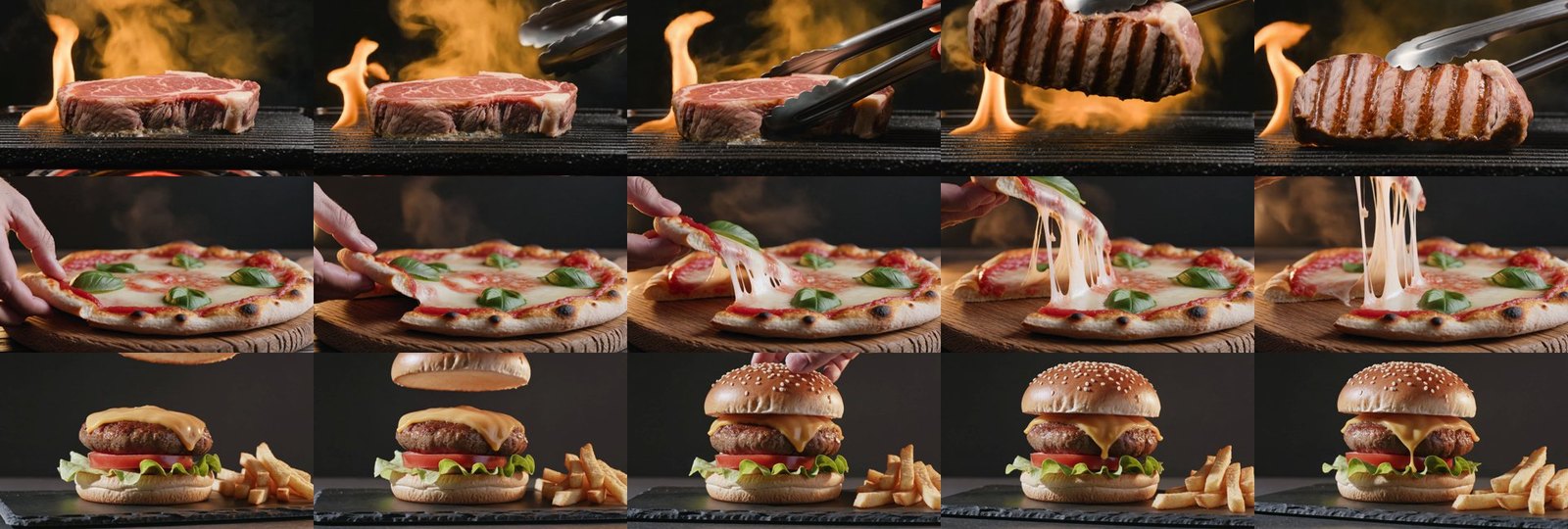
The intro is 22 s, 1920x1080, 30 fps. 0-6 s: three food clips, steak, pizza, burger, with slow camera movement and captions with stars. Around 6 s an orange wipe into the drinks. 6-11 s: aperol, beer with wine, espresso. 11-15 s: an orange circle opens, the logo lands with a glint. 15-20 s: a white card with the logo, the lesson title and the caption “Restaurant Owner Dashboard Tutorial”. 20-22 s: everything goes to a light frame, the music fades, so it cuts cleanly into the screen recording.
The 5-second version for short lessons: the logo on orange, the title card, the same light ending.
Checks: titles of 3, 6, 8 and 12 words hold centre within 2 px. The master is exactly 22.000 s at 30 fps. Export right in the browser gave 26.95 fps in the test, so the masters are made by frame-by-frame render, and the client keeps the simple one-click export. The steak is taken from the second half of the clip, after the flip, where the grill marks show.
What we do not know yet: whether the client liked it. There is no live demo online, the client sees the template only in a picture and a GIF. There was no rating at the time of writing. We will add it when it comes.
Mistakes and what we took from them